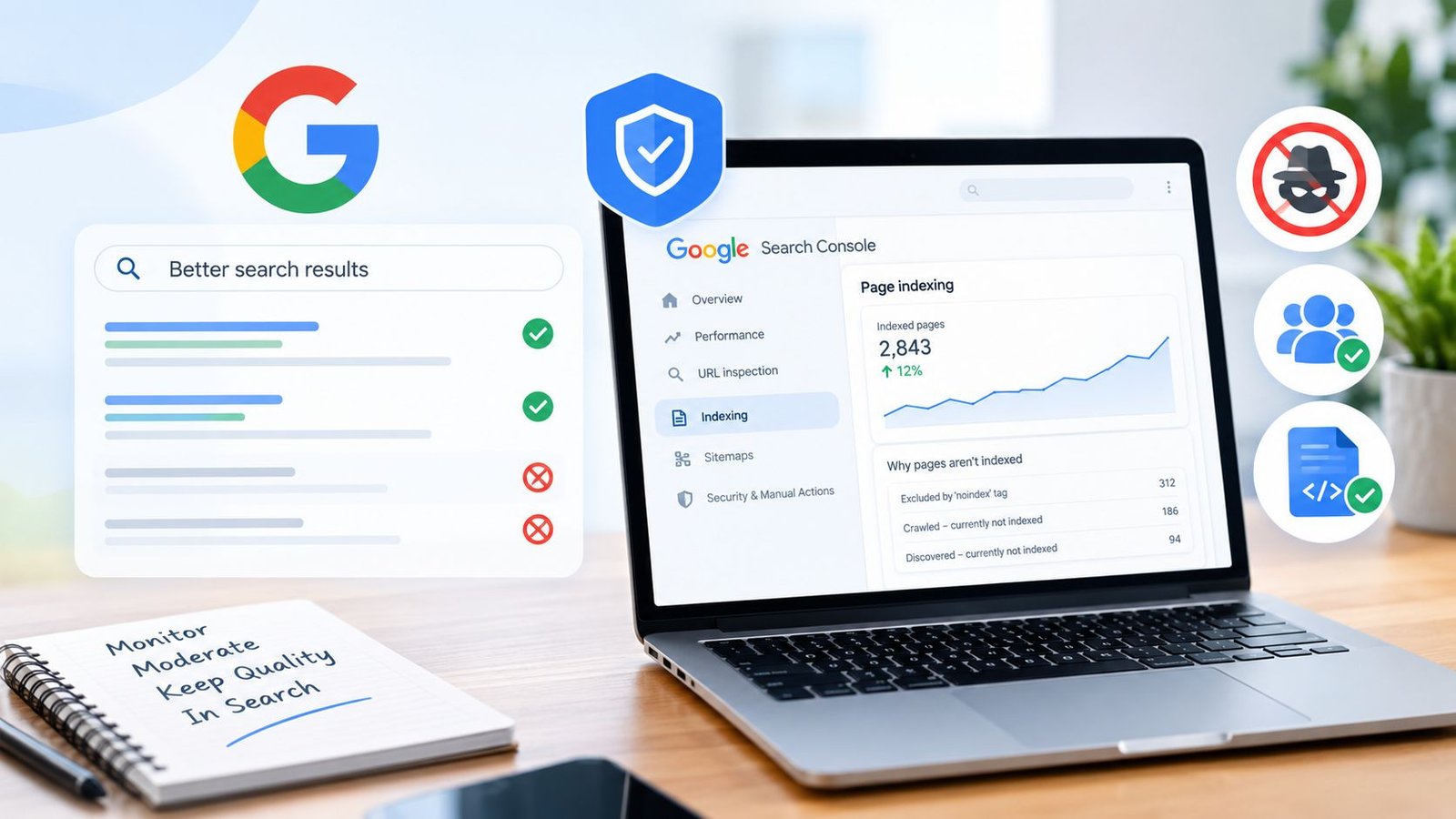
Google has updated its guidelines on preventing spam from users. It now has more clear advice on how to handle shareable content, ensure private or utility-based content doesn’t appear in search results, and how to identify suspicious publishing using Google Search Console.
The updates were announced in the Search Central documentation on 26th October 2026. They affect website owners, online communities, AI based platforms and content creation platforms.
It is now clear that not all pages should be intended for organic traffic. If you have pages that are for private sharing, collaboration or direct access then you shouldn’t make them accessible to search engines due to having a public URL.
Google say the aim of the update is to help platforms prevent pages created by users that aren’t meant for Search from being indexed and spot spam earlier.
User Generated Content (UGC) can include forums, reviews, comments, community content, documents, generated content and tools.
This can be very useful content. Reviews help customers decide what to purchase, community content helps you find specific answers and overall helps improve your website.
However, open platforms are often prone to spam. Many pages with little value will be created using bots. These pages will contain links with the sole purpose of promoting specific products. They may also contain false information or use tools to generate content to get links from the public.
Any service which allows the user to generate pages or content puts you at risk of having unwanted content shown on your search engines. Google’s new guidelines clearly state that you must ensure the quality of your UGC.
At the end of the day it comes down to the quality of the content on your site, are you following any policies and are you publishing your content on purpose so that it can be found.
One of the most noticeable changes is that Google now recommend marking webpages that are created for public search and those that are created for direct use/collaboration.
Consider why the webpage was created by the user and decide what should be done with how the search engine treats the page.
You can do this by adding a robots meta tag to your HTML:
Google will need to be able to crawl the page to see this noindex directive so if you block crawling via your robots.txt file then Google may not see this.
Using a noindex directive will not make your page private or require a password. You will also need to ensure that you have the correct authentication systems in place if you wish to restrict access to the page.
This matters as if a URL is blocked in robots.txt, it could still show up in search results if discovered by Google via links. Google will not be able to see the noindex tag if it cannot crawl the page.
To ensure a page does not show in search results, use the correct control and make sure they are implemented correctly so that Google can see the instruction to not index.
The existing Google guidelines recommend that we consider using ‘noindex’ for content from new users who don’t have an established reputation as trustworthy.
We can slowly start showing some content in the index by using the accounts as they gain a history of genuine activity and the content meets our quality standards.
This can be extremely useful for sites with an open publishing model as it means that we aren’t showing the spammy content immediately in search, but eventually show them valuable content.
These attributes help communicate the nature of the link. They do not replace moderation, account controls, or other anti-spam measures.
There are other ways to reduce spam.
Website owners can set up verification processes, such as CAPTCHA, limiting submission rates, and email verification. They can also implement a report function and manual approval process for any suspicious submissions. Monitoring account creation can also help.
Some useful indicators include multiple submissions from similar IP address ranges, quick form submissions, suspicious usernames and high volumes from new accounts.
This will help you spot abuse at an early stage so that it does not become an issue on your site or result in thousands of low value URLs.
Another important thing to note from the October 2026 update is Google Search Console.
Website owners should be sure they have Google Search Console set up for their main domain and any relevant subdomains so they can receive any alerts regarding manual actions and security issues.
Two reports you should take note of:
Google also recommend to monitor some publishing and indexing trends on the platform. This can include creating an alert if there is a sudden increase in the number of new pages being made public, or if a few accounts are responsible for a large amount of indexable URLs.
Whilst these trends don’t necessarily indicate a spam attack, they can give you some indication of what to look into before it becomes a larger problem.
Use this as an opportunity to audit how the user generated content is being published, indexed and managed.
Firstly, take stock of what URLs you have on your site. Ensure that you are only indexing URLs that are genuinely editorial or useful contributions from users. Avoid showing temporary content, user collaboration pages, user dashboards and anything else that is not critical to show in search.
Ensure that your technical setup is aligned with this. Ensure there are no issues with robot meta tags, X-Robots-Tag headers, robots.txt files, internal links and any other system that automatically adds new pages into search.
If you have a large publishing platform ensure that you are monitoring any activity within your accounts and how quickly new URLs are becoming indexable.Using alerts will help to highlight any unusual publishing patterns.
Ensure there is a standard moderation process in place so that search visibility is a conscious decision. This can be based on the intent and quality of the content.
This will ensure that you maintain the quality of your search whilst still benefiting from genuine user contributions.
This will ensure that you maintain the quality of your search whilst still benefiting from genuine user contributions.
No. Google’s guidelines do not imply that forum posts, comments, reviews and other user generated content are an issue.
We’re simply trying to stop abuse, and ensure content that isn’t meant to be discovered via search is properly handled — and there is nothing wrong with valid contributions if they are relevant, useful and well managed.
Also, just because we’ve made this update doesn’t mean you need to exclude all shareable pages. If it’s a public page that is genuinely useful for search then it might deserve to be included. Consider the purpose of your pages and whether they provide value.
Avoid general changes which might take away valuable content from search.
This update from Google in October 2026 is a good reminder to ensure that all URLs that you are publishing have a purpose. Not all pages need to be indexed. Site owners should ensure you are differentiating between public pages and pages you want shared directly. This will include ensuring the correct indexing settings are in place, limiting any suspicious activity and monitoring for any unusual changes within Search Console.
For businesses and sites that allow users to create content this can help reduce your exposure to spam whilst keeping your public pages with genuine use.